The UI framework is an indispensable component for web development. UI frameworks have become indispensable for modern web design. But what is a UI framework anyway? And why is it so valuable for web developers and designers? In this post, we’ll dig deep and explore why a user interface library could be the missing piece of the puzzle in your web application design process.
What is a UI framework?
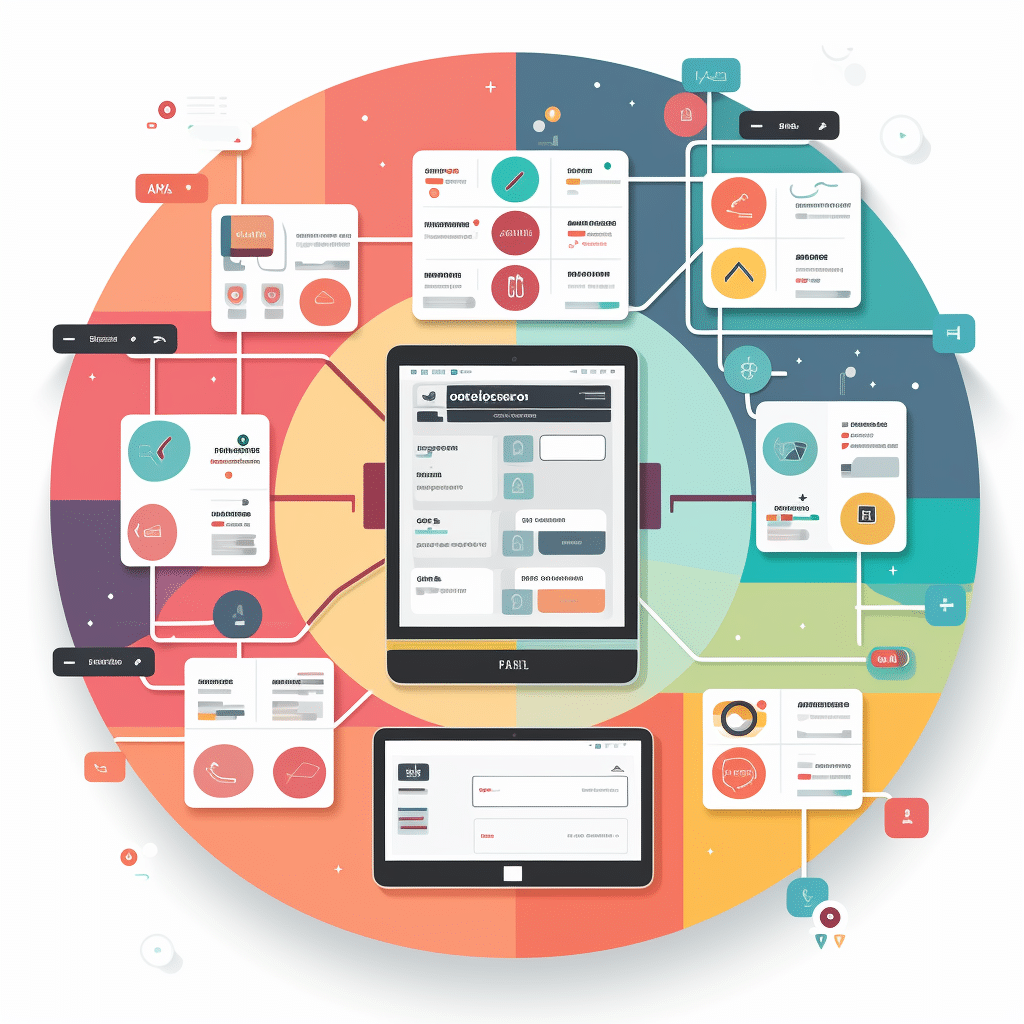
A UI framework, often referred to as a user interface framework or design system, is basically a prepared set of codes that is used for web or app designs. It includes a collection of reusable UI components that developers and designers can use to create stunning user interfaces without having to design everything from scratch.
Why use a UI framework?
The use of a UI component library has many advantages. One of the main reasons is consistency. With a defined user interface set, you can ensure that all elements of your website or app have a uniform design. This not only means that everything fits together, but also that the user has a consistent experience across different parts of the application.
What makes a good UI framework?
A good front-end toolkit should be flexible and customizable. It should contain a wide range of UI widgets so that you don’t have to resort to external libraries. A good UI design kit should also be well documented so that developers and designers can easily find out how to use it.
Some common UI frameworks
There are many different UI frameworks out there, each with their own strengths and weaknesses. Some of the best known are Bootstrap, Foundation and Materialize. But there are many other great options, from user interface toolkits designed specifically for mobile apps to those that focus on specific design philosophies.
Top 10 UI frameworks
Probably the 10 most popular UI frameworks that are most frequently used in web development are:
- Bootstrap: Perhaps the best-known responsive design framework. It offers a variety of components and is highly customizable.
- Foundation: Developed by ZURB, this responsive frontend framework is known for its flexibility and professionalism.
- Materialize: Based on Google’s Material Design specifications and offers components and animations that comply with the Material Design guidelines.
- Semantic UI: This framework places great emphasis on user-friendliness and has an intuitive, more readable syntax.
- Bulma: A modern CSS framework based on Flexbox, which is known for its simplicity and modularity.
- Tailwind CSS: A low-level “utility-first” CSS framework that allows developers to quickly create designs by adding utility classes.
- UIKit: A lightweight and modular frontend framework that offers many predefined UI elements.
- Ant Design: A UI framework that is based on the design principles of the Chinese giant Alibaba and is particularly popular in the React community.
- Spectre.css: A lightweight, responsive and modern CSS framework.
- Tachyons: A feature-rich, “functional CSS” framework designed to provide small, reusable classes that facilitate design.
This list is by no means exhaustive, and there are many other great frameworks out there. It is worth exploring several options and choosing the one that best suits the specific requirements of a project.
UI framework vs. UI component library
While these terms are often used interchangeably, there are some differences between them. A UI framework is usually a more comprehensive solution that offers everything you need to design a complete application or website. On the other hand, a UI component library usually focuses only on UI elements and may not offer the same breadth of functionality.
When should I use a UI framework?
If you are building a complex web application or website, a UI framework can save you a lot of time. Instead of designing every single element from scratch, you can simply use the ready-made components from your user interface toolbox. This is particularly useful if you are working with a team, as it ensures that everyone uses the same design elements.
My tip on how to use a UI framework optimally:
A UI framework can be a powerful tool in your development arsenal. Whether you’re an experienced web developer or a beginner just starting out, a user interface library can help you create stunning websites and applications with consistent, professional design. While there are many great options to choose from, it’s important to find the framework or component library that best fits your specific needs and skill set.
The importance of a consistent UI framework for user experience
A UI framework not only ensures a consistent design, but also a consistent user experience. By using a single framework for all UI components, users experience the same interactions and visual elements on all pages of an application, making navigation more intuitive and the overall feel of the application more enjoyable. Consistency is key to a successful user experience and increases user confidence in the application.
Top areas of application for UI frameworks in web development
UI frameworks are particularly helpful for different types of web projects:
- Complex web applications: Applications with many functions benefit from a consistent design and reusable components.
- Responsive designs: Frameworks such as Bootstrap and Foundation offer ready-made layouts that automatically adapt to different screen sizes.
- Prototyping and MVP development: UI frameworks accelerate the development of prototypes and minimum viable products (MVP), as they offer ready-made styles and components that can be implemented quickly.
Which UI framework suits your project?
Choosing the right UI framework depends heavily on the requirements of your project and your preferred design philosophy. While Bootstrap and Tailwind are suitable for many projects, Vuetify is the ideal choice for Vue.js and Nuxt-based applications when material design is desired. Analyze the specific needs of your project and test different frameworks to find the best toolkit for a fast and consistent design.
Rock the Prototype Podcast
The Rock the Prototype Podcast and the Rock the Prototype YouTube channel are the perfect place to go if you want to delve deeper into the world of web development, prototyping and technology.
🎧 Listen on Spotify: 👉 Spotify Podcast: https://bit.ly/41pm8rL
🍎 Enjoy on Apple Podcasts: 👉 https://bit.ly/4aiQf8t
In the podcast, you can expect exciting discussions and valuable insights into current trends, tools and best practices – ideal for staying on the ball and gaining fresh perspectives for your own projects. On the YouTube channel, you’ll find practical tutorials and step-by-step instructions that clearly explain technical concepts and help you get straight into implementation.
Rock the Prototype YouTube Channel
🚀 Rock the Prototype is 👉 Your format for exciting topics such as software development, prototyping, software architecture, cloud, DevOps & much more.
📺 👋 Rock the Prototype YouTube Channel 👈 👀
✅ Software development & prototyping
✅ Learning to program
✅ Understanding software architecture
✅ Agile teamwork
✅ Test prototypes together
THINK PROTOTYPING – PROTOTYPE DESIGN – PROGRAM & GET STARTED – JOIN IN NOW!
Why is it worth checking back regularly?
Both formats complement each other perfectly: in the podcast, you can learn new things in a relaxed way and get inspiring food for thought, while on YouTube you can see what you have learned directly in action and receive valuable tips for practical application.
Whether you’re just starting out in software development or are passionate about prototyping, UX design or IT security. We offer you new technology trends that are really relevant – and with the Rock the Prototype format, you’ll always find relevant content to expand your knowledge and take your skills to the next level!